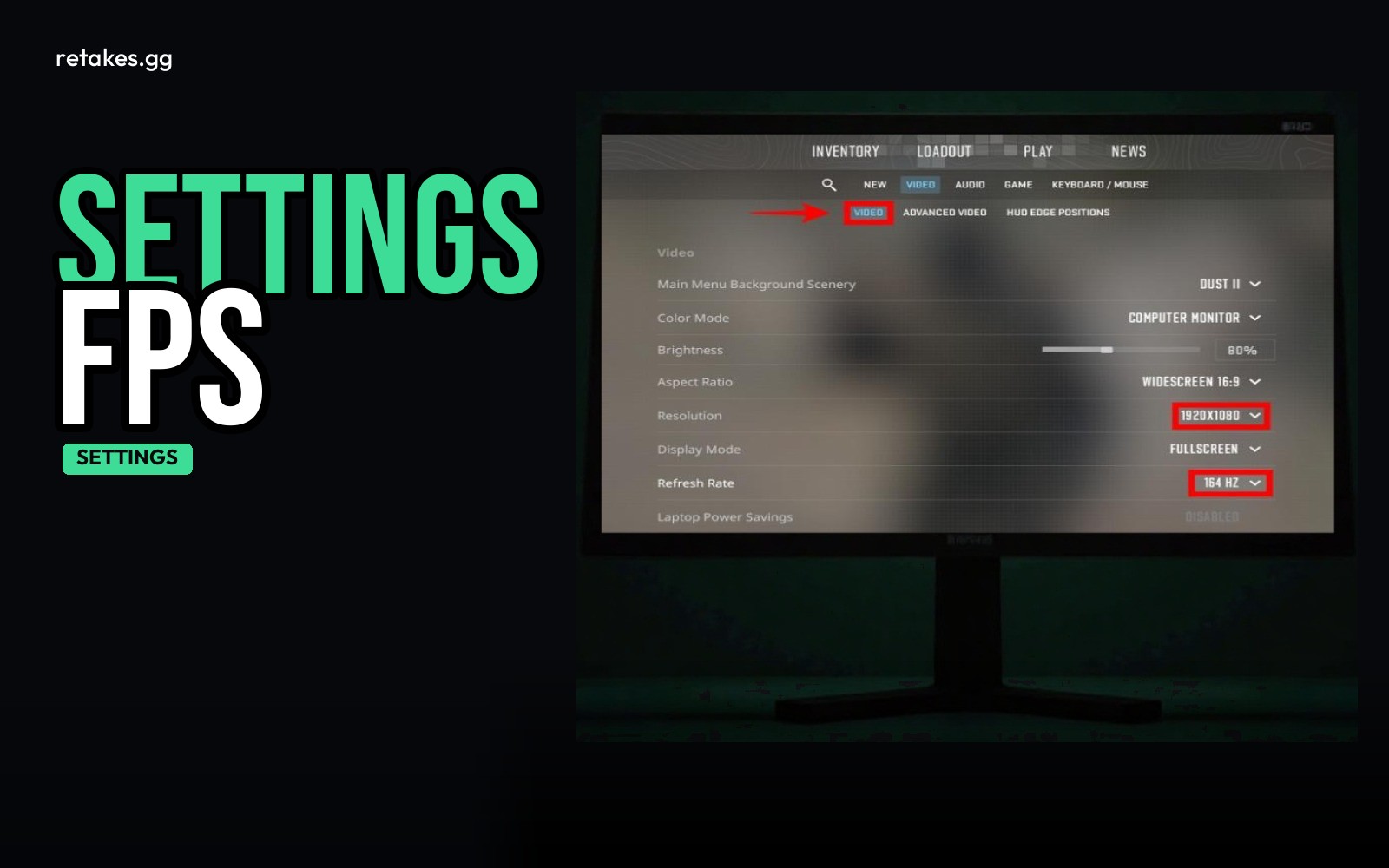
When your CS2 FPS is unstable, start by adjusting the right video settings. Lower settings like VSync, MSAA, shadows, model/texture detail, and particle effects can help smooth out frame times. Use this guide to find the right balance between visual quality and performance.
Use the in-game video settings menu or console commands to tweak these options. After changing them, always test for a few minutes in-game to see how they affect your experience.
Recommended CS2 Settings to Improve FPS Stability
| Setting | Recommended Value | Visual Cost |
|---|---|---|
| Wait for Vertical Sync | Off | Screen tearing, but higher potential FPS |
| Multisampling Anti-Aliasing | Off or 2x | Sharper edges on objects and textures |
| Global Shadow Quality | Low | Shadows may look less smooth or detailed |
| Model / Texture Detail | Low or Medium | Textures and models may look less crisp |
| Texture Filtering Mode | Bilinear or Trilinear | Textures may look less sharp when viewed closely |
| Shader Detail | Low | Fewer visual effects on objects |
| Particle Detail | Low | Fewer particles from explosions, muzzle flashes, etc. |
| Ambient Occlusion | Off | Less contrast in shadowed areas |
Adjust based on your hardware and preferences.
How to Apply and Test the Settings
Apply these steps to optimize your CS2 settings
01
Open the video settings menu
Launch CS2 and go to Settings > Video. Adjust the listed options to the recommended values.
02
Use console commands if needed
Press ~ to open the console and type commands like vSync 0, r_dynamiclight 0, or cl_particles_disable 1 for fine-tuning.
03
Play in a practice or match lobby
Join a public server or play a training round to test the settings for a few minutes.
04
Monitor frame times
Use the Steam overlay FPS counter or type cl_showfps 1 in the console to track your frame times.
05
Adjust further if needed
If FPS is still unstable, try lowering more settings like Global Shadow Quality or Particle Detail.
Will these settings improve my FPS?+
They should help stabilize your frame times and reduce dips, but the exact effect depends on your hardware and game load.
Can I enable FSR if I use these settings?+
FSR can be used if your GPU is the bottleneck. Otherwise, it's best to leave it off.
What if I enable VSync and still get low FPS?+
VSync limits FPS to your monitor's refresh rate. If you can't hit that, turn it off.
How do I know if my FPS is stable enough?+
Watch for consistent frame times in the counter for at least 5 minutes. Avoid large spikes or drops.
Sources
- retakes.gg servers · 2026-10-10
- Counter-Strike 2 on Steam · 2026-10-10