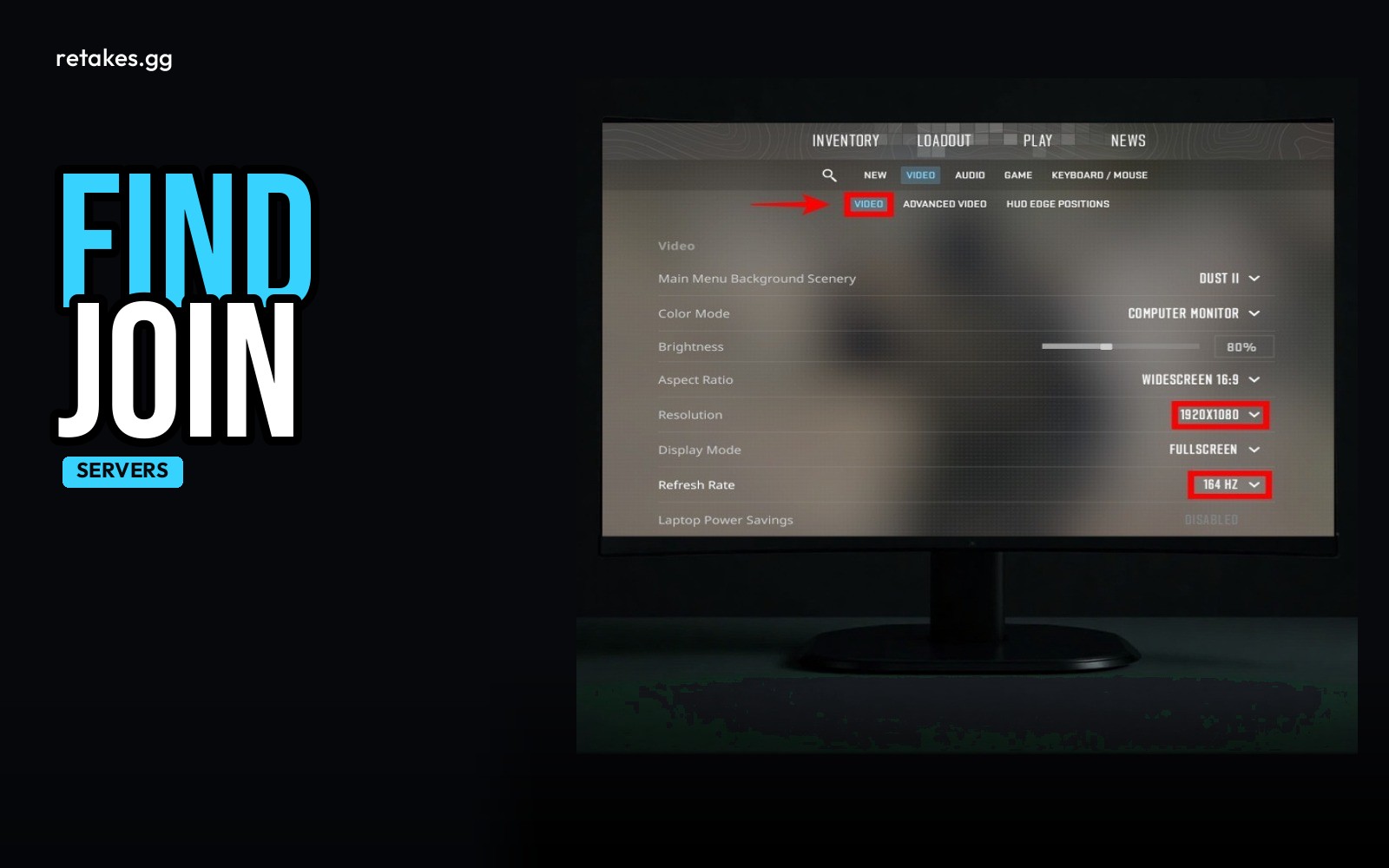
If you're looking to play CS2 retakes, retakes.gg is the easiest way to find and connect to ranked lobbies. The site lists six live lobbies with real-time player counts and allows you to connect directly with a single click.
No need to search through Steam or third-party tools — everything you need to play is right there on the servers page.
How to Connect to a Retake Server
01
Open the servers page
Go to https://retakes.gg/servers or https://retakes.gg/join in your browser.
02
Pick a lobby
Look for a lobby that has the map and player count you're interested in joining.
03
Click connect
Use the 'Connect' button to join the server directly from your browser.
04
Play retakes
You're now in a ranked retake lobby with other players and a shared leaderboard.
| Lobby | Map | Players |
|---|---|---|
| Retake Lobby #1 | de_inferno | 16/16 |
| Retake Lobby #2 | de_mirage | 14/16 |
| Retake Lobby #3 | de_dust2 | 16/16 |
| Retake Lobby #4 | de_vertigo | 13/16 |
| Retake Lobby #5 | de_overpass | 15/16 |
| Retake Lobby #6 | de_train | 12/16 |
Live lobby and player data is updated in real-time.
The retakes.gg site handles everything from matchmaking to connecting — you don’t need to manually type in server IPs or use third-party tools. Just browse lobbies and click to join.
You can also join the community via Discord or TeamSpeak for updates and discussions about retake lobbies.
Basic Video Settings for Stability
How do I see my FPS in CS2?+
Use the command 'cl_showfps 1' in the console to show your frame rate while playing.
Do I need to change my network settings?+
A common starting point is to set 'rate 786432' in the console to improve connection performance.
How do I join the retakes.gg community?+
Join the Discord at https://discord.gg/DMWbUMJUBd or the Steam group at https://steamcommunity.com/groups/retakegg.
Can I use the Steam overlay FPS counter?+
Yes, the Steam overlay counter works in CS2 and can be used instead of the in-game FPS display.
Sources
- retakes.gg servers · 2026-10-11
- Counter-Strike 2 on Steam · 2026-10-11