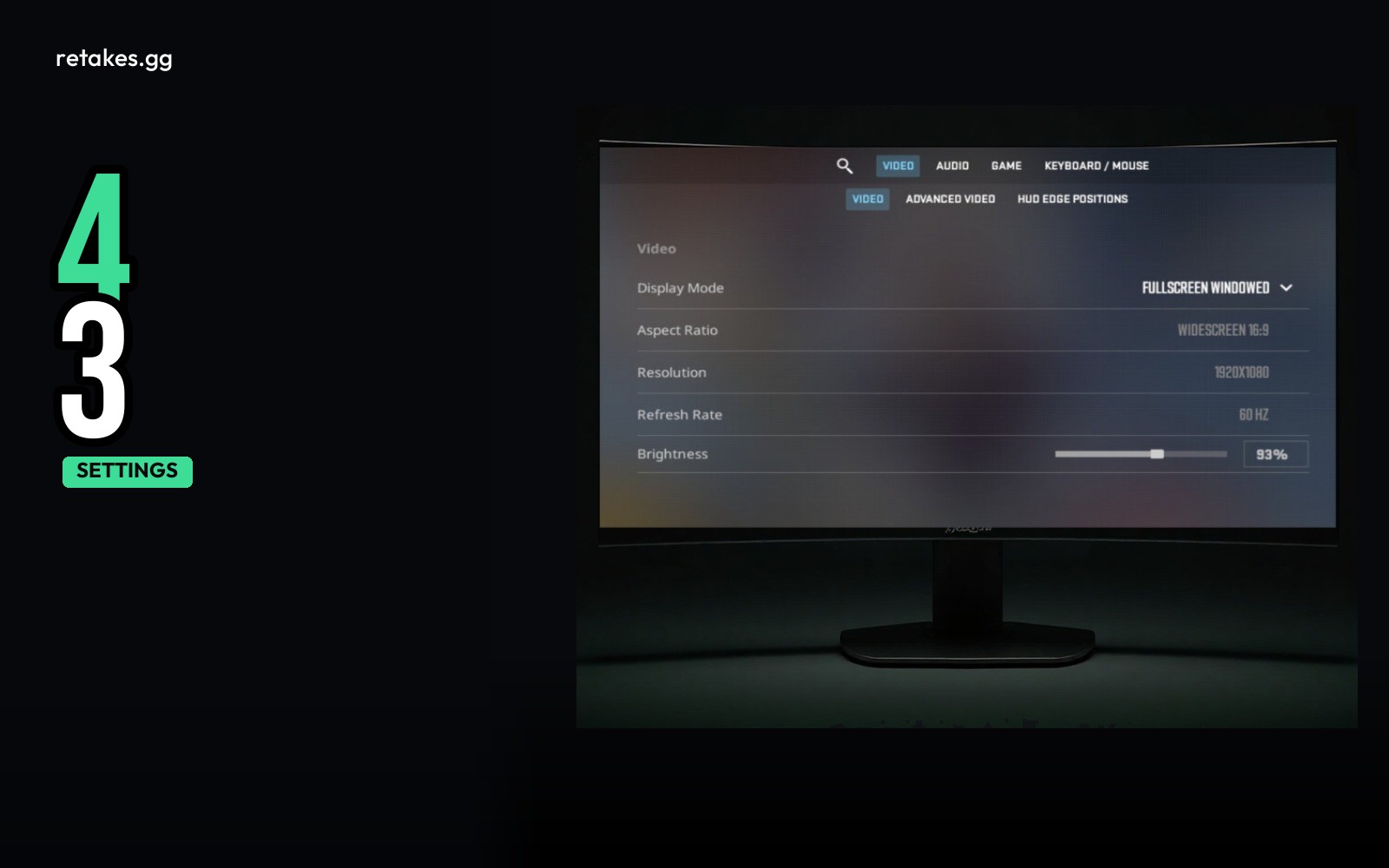
In CS2, you can choose between 4:3 stretched, black bars (letterbox), or native 16:9 display modes. These options affect how the game looks on your screen and are a matter of preference, not performance. The settings don't guarantee higher FPS but can make a difference in clarity and field of view depending on your monitor and resolution.
You can find these options in the 'Display' section of your in-game settings. They control how the game window scales to your monitor. The actual image quality and performance depend on your hardware and other video settings.
Aspect Ratio Table: How It Looks and When to Use It
| Aspect | Look | Typical Reason to Use It |
|---|---|---|
| 4:3 Stretched | Squished, no black bars | Wider field of view for aiming and awareness |
| Black Bars (Letterbox) | Centered image with black bars on the sides | Accurate 16:9 aspect for streaming or screen recording |
| Native 16:9 | Full screen with no stretching | Most accurate visual and performance balance on 16:9 monitors |
| 4:3 Letterbox | Letterboxed 4:3 image in 16:9 screen | Classic CS:GO-style view for nostalgic players |
Aspect ratios can be adjusted in-game and do not affect FPS directly.
How to Set Your Preferred Display Mode
Set your display mode and resolution in CS2
01
Open the Options Menu
Click the gear icon in the main menu.
02
Go to Display Settings
Look for 'Display' under the 'Video' tab.
03
Select Aspect Ratio
Choose between 4:3 Stretched, 16:9, or Letterbox.
04
Adjust Resolution
Pick a resolution that works best with your monitor and performance.
05
Test and Adjust
Play a few rounds and see if the view feels right for your playstyle.
Frequently Asked Questions
Does 4:3 stretched give more FPS?+
No, the aspect ratio doesn't affect FPS directly. It only affects how the image is displayed.
Will black bars reduce my performance?+
No, black bars are just a display option and have no impact on frame rate or input latency.
Which is best for competitive play?+
Native 16:9 is the most common choice for competitive players. It balances field of view and clarity.
Can I change the display mode during a match?+
No, display settings require a restart to take effect. Make changes in the main menu before starting a match.
Once you're happy with your display settings and your FPS is stable, head over to retakes.gg to play CS2 retakes. The site lists live player counts, ranked lobbies, and free skins. Join via https://retakes.gg/servers or the Steam overlay for quick access to competitive lobbies.
Sources
- retakes.gg servers · 2026-10-20
- Counter-Strike 2 on Steam · 2026-10-20