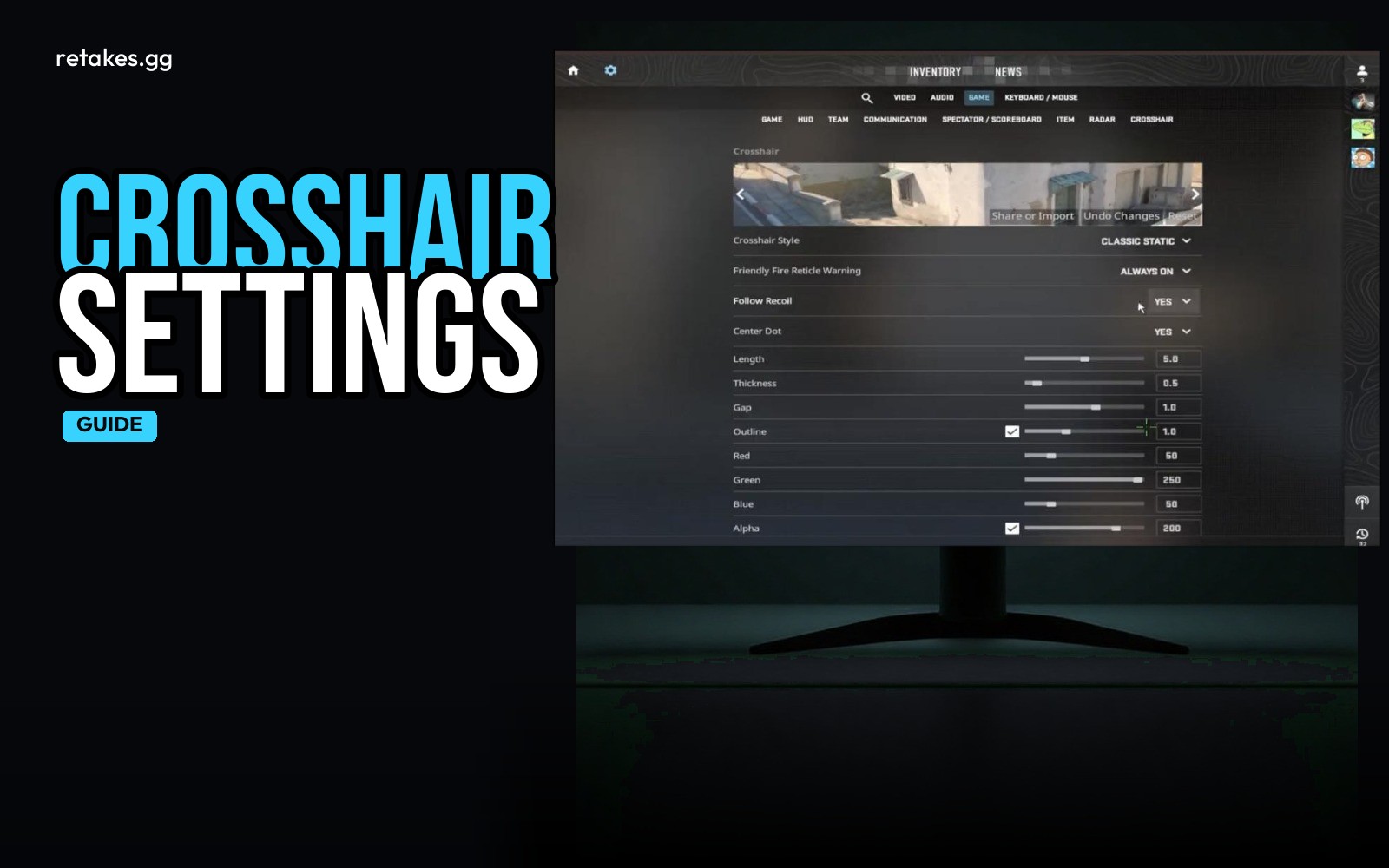
A clean, simple crosshair is all you need to start in CS2. Adjust the style, size, and color to match your preference and keep it consistent during retakes. A static crosshair with no fancy effects is ideal for quick, accurate shots.
You can tweak your crosshair in the game menu under Video > Crosshair. Use the settings to set a clear, minimal profile that doesn’t interfere with your view. No need to copy pro setups—start simple and adjust as you play.
Basic Crosshair Settings
| Option | Value | Purpose |
|---|---|---|
| Style | Simple (1-4) | A clean, visible shape |
| Size | 1.0-1.5 | Big enough to track but not too large |
| Gap | 0.0 | No space between lines for precision |
| Thickness | 1.0-1.5 | Clearly visible on screen |
| Color | Red | High contrast for visibility |
Adjust for personal comfort and screen resolution.
How to Set Up Your Crosshair
01
Open the in-game settings
Launch CS2 and go to the Options menu.
02
Go to the Crosshair tab
Find the Crosshair section under Video settings.
03
Adjust the style and size
Pick a basic shape and adjust the size until it feels right.
04
Set the gap and thickness
Use 0.0 for gap and 1.0-1.5 for thickness to keep your crosshair clean.
05
Pick a color
Red is highly visible, but choose what works best for your monitor.
Keep your crosshair simple until you feel comfortable. Once your settings are stable, you can fine-tune them based on your performance and preference.
Should I use a dynamic crosshair?+
No. A static crosshair is better for retakes and precision. Dynamic crosshairs can be distracting or misleading.
What color is best for a crosshair?+
Red is a good default for high contrast, but choose a color that works best with your screen and lighting.
Can I copy a pro's crosshair settings?+
You can try, but start with a simple setup first. Everyone's preference is different based on their monitor and playstyle.
How do I know my crosshair is set up right?+
If it's visible, consistent, and doesn't interfere with your view, you're good to go. Adjust as you play and notice what helps or hinders your aim.
Once your crosshair and settings are dialed in, head over to retakes.gg to test it out. Join one of the ranked lobbies, track your progress on the shared leaderboard, and connect instantly with other players. No server IPs or complex commands—just hit the link and play.
Sources
- retakes.gg servers · 2026-10-22
- Counter-Strike 2 on Steam · 2026-10-22