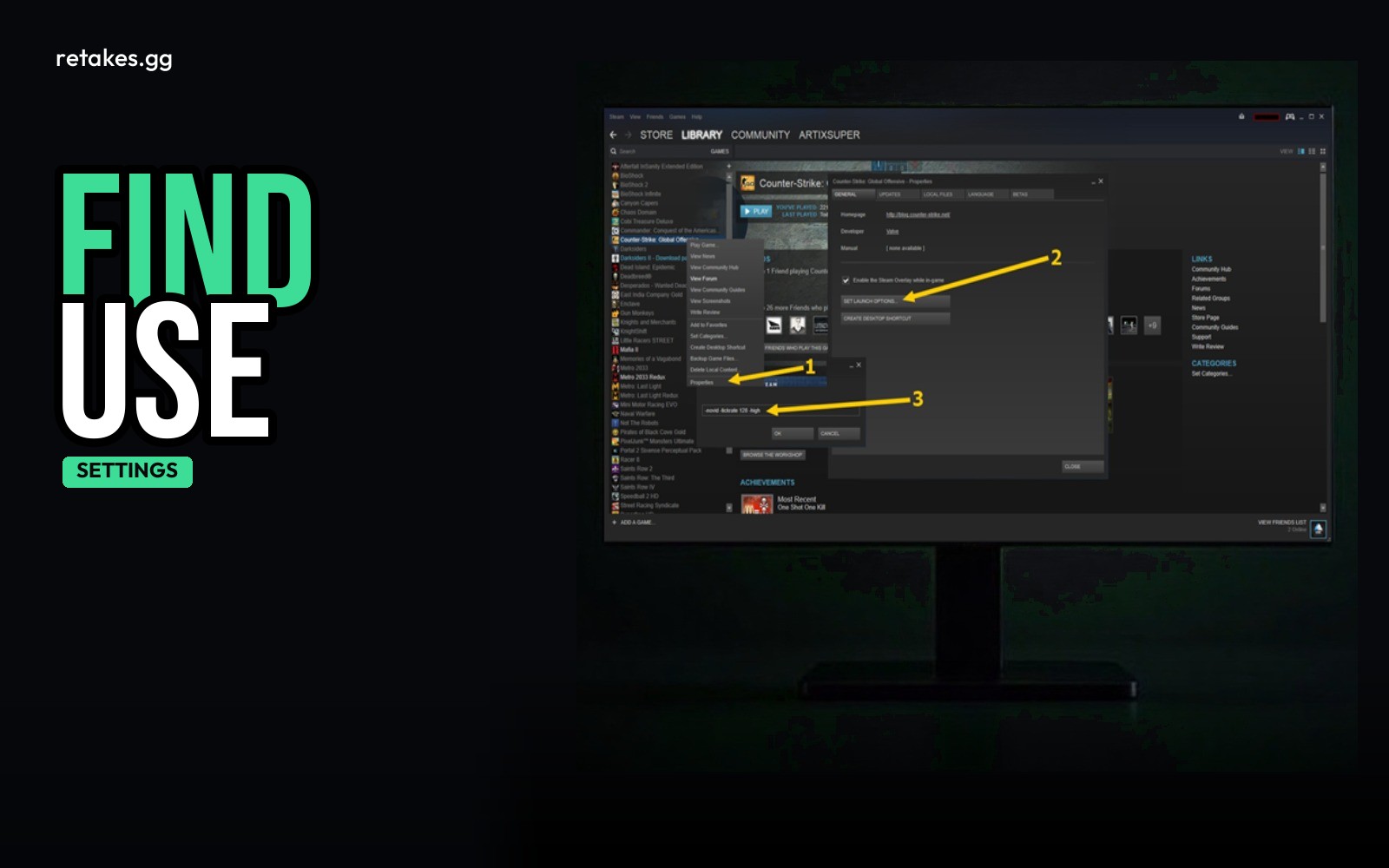
CS2 launch options are added in the Steam client under the game properties. They can tweak how the game runs, but most CS:GO-style options don't work the same in Source 2. Use wisely — some settings do nothing, and others can help stabilize performance.
To open the menu, right-click Counter-Strike 2 in your Steam library, go to Properties > General, and look for the line that says 'Launch Options.' Add options there, one per line.
Which Launch Options to Use
| Option | What It Does | Keep or Skip |
|---|---|---|
| -console | Opens the in-game console (useful for FPS checks or commands) | Keep |
| +fps_max N | Caps your FPS at a set number (e.g., +fps_max 144) | Keep if you want to limit power usage |
| -novid | Skips intro videos — may have little effect in CS2 | Skip |
| -high | Tries to run the game in high-priority mode — not reliable for performance | Skip |
Most CS:GO launch options don’t work in CS2 due to the Source 2 engine.
Steps to Set Up Your Launch Options
How to Add Launch Options to CS2
01
Open Steam Library
Right-click Counter-Strike 2 and select Properties.
02
Go to General Tab
Look for the 'Launch Options' section under the General tab.
03
Add Options
Type one option per line, like -console or +fps_max 144.
04
Restart the Game
Close and relaunch CS2 for changes to take effect.
FAQ About CS2 Launch Options
Does -novid help in CS2?+
It skips videos, but it likely has little effect on performance in CS2.
Will -high improve my FPS?+
Unlikely. -high is a legacy option and may not work properly in Source 2.
Can I force a maximum FPS in CS2?+
Yes — use +fps_max N where N is your desired cap.
Do CS:GO launch options still work?+
Most CS:GO options do nothing in CS2 due to the new Source 2 engine.
Once your settings are stable and your FPS is smooth, head over to retakes.gg to play CS2 retakes with ranked lobbies, live player counts, and instant connect. Join from the site or hop on Discord and TeamSpeak to chat with other players.
Sources
- retakes.gg servers · 2026-10-26
- Counter-Strike 2 on Steam · 2026-10-26